OpenALPR - Obtain System ID from the server

Xavier GüerequeÚltima actualización hace 4 días
There are two ways to obtain the System ID of the OpenALPR server (once installed).
The first way is the fastest, we only open a linux terminal and type the following command:
openalpr-licenserequest Immediately tell us the number, example:

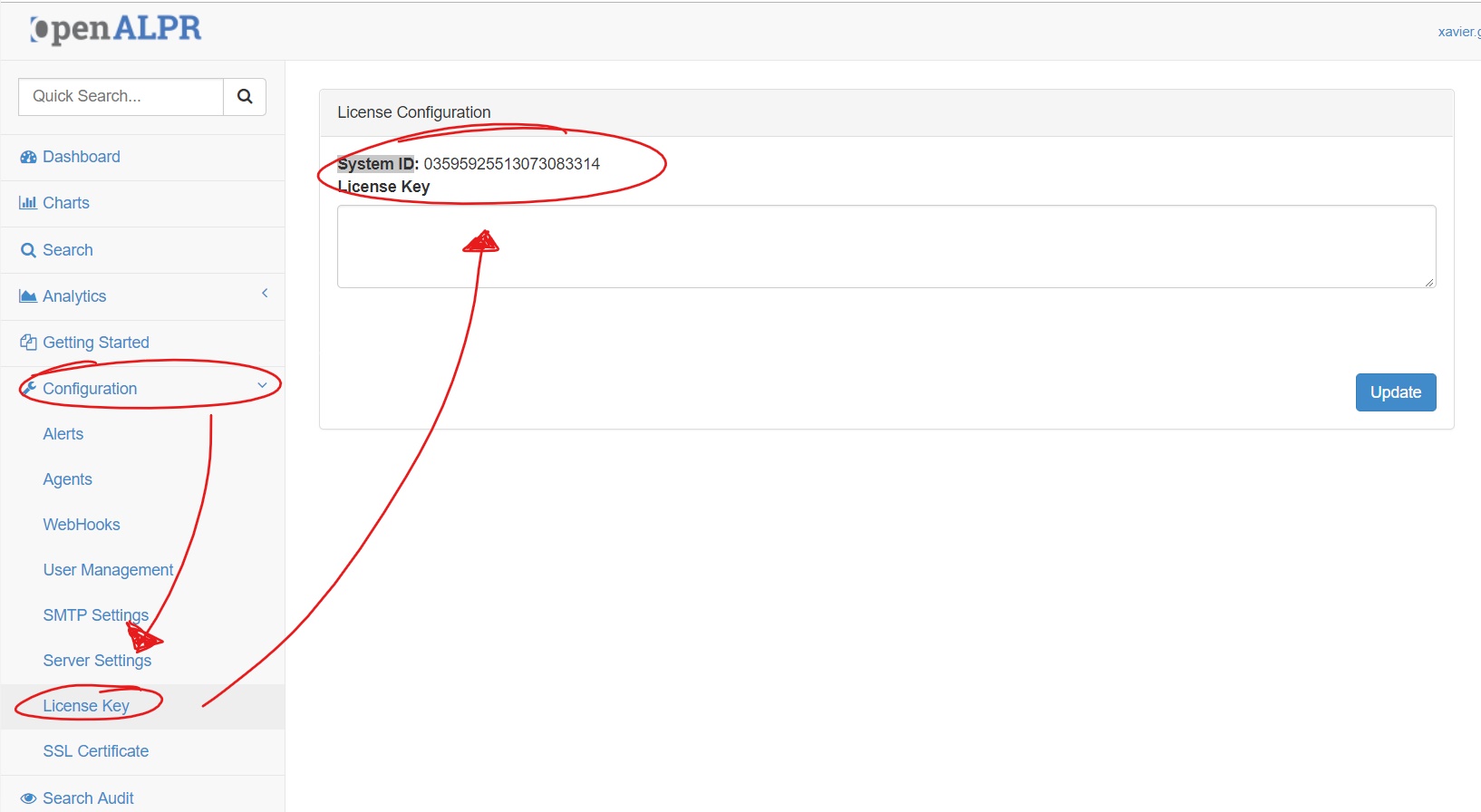
The second way is by entering the web interface of the server and go to Configuration - License Key
We will see the legend of System ID followed by the number, example: